 Bangladesh
 China
China
 Saudi Arabia

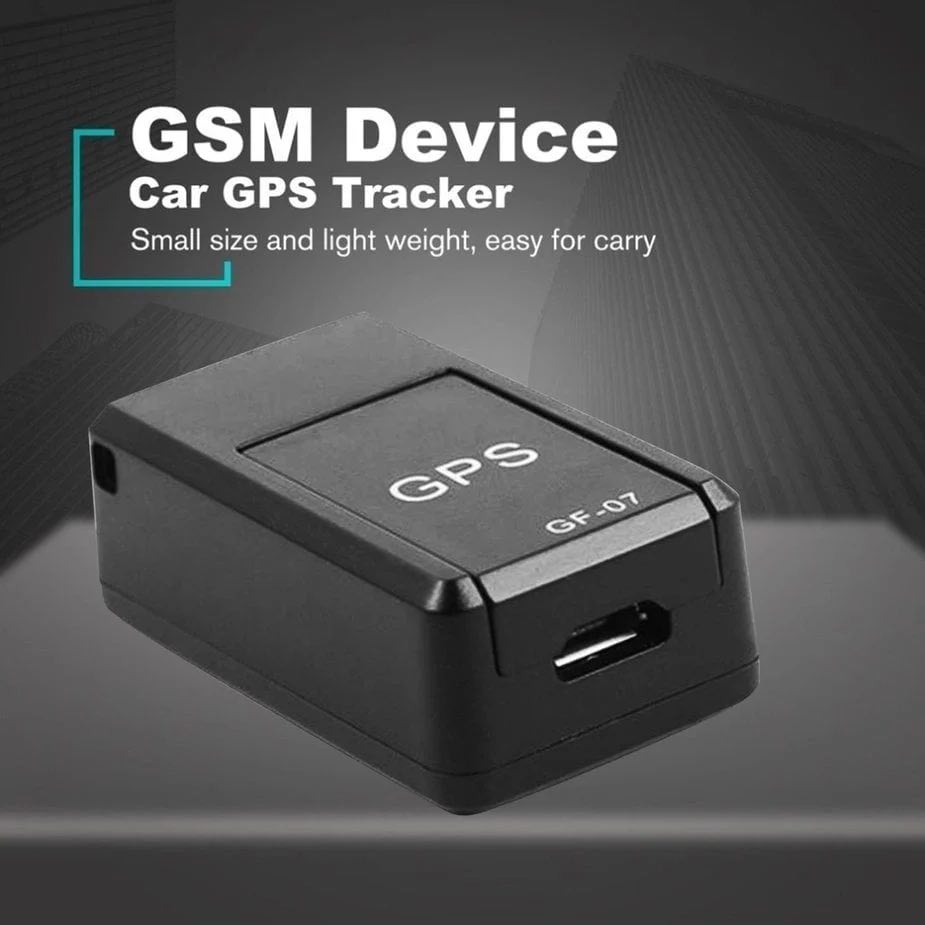

- The Google Play Store or Apple App Store search for "racing" or get the download link by scanning the QR code on the box, and download the APP;
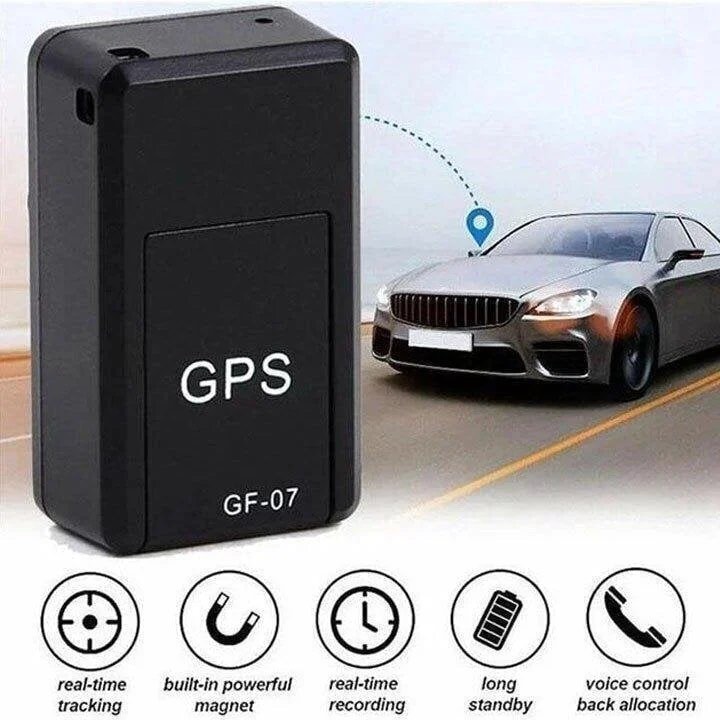
- Long press the button on the smart locator, hear the "drop, drop" twice, the LED light is on;
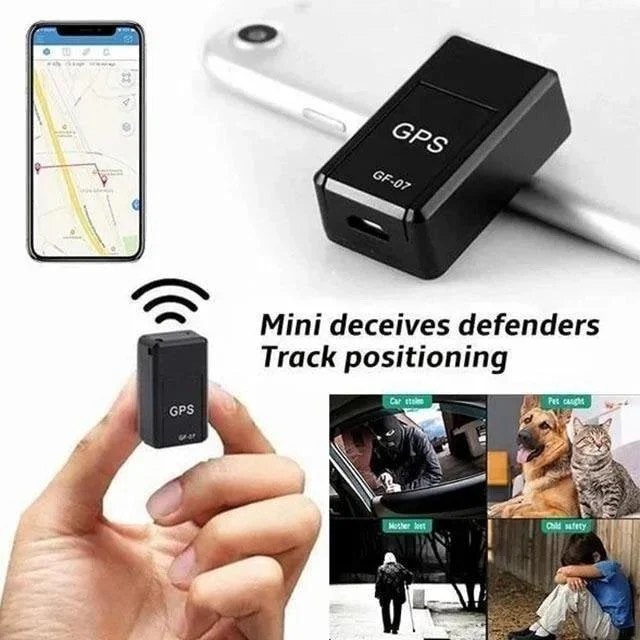
- Search for the smart locator and connect to the app, slide left to delete the tracker, touch the ">" icon to rename the smart locator or disconnect;
- Long press to shut down.
You Might Also Like

- New
- New
- New
Water And Wind Resistant Insulated Jacket
- Read reviews (1)
- Write a review
€14.52
Tax included
- Stay ready for a change in weather with the IZOD® Water and Wind Resistant Insulated Jacket.
- Water-resistant jacket keeps you warm and dry.
- Stand collar features an attached hood.
- Front-zip closure.